

Download Wyzo – browser, torrent, free, download, APK, Android, mobile app, utility, internet, search, tabs, skins, discover, share
Overview
Wyzo is a mobile browser designed to merge web navigation with media sharing capabilities, offering users a distinctive experience within the Android ecosystem. The app positions itself as a utility tool for individuals who value both efficient internet browsing and the ability to discover and share torrent content directly from their smartphones. Its primary purpose is to streamline access to online information while integrating a built-in torrent client, reducing the need for third-party applications. This dual functionality makes Wyzo particularly relevant for users seeking a consolidated platform for web exploration and peer-to-peer file exchange.
Target users include tech-savvy individuals, media enthusiasts, and those who frequently search for digital content such as videos, music, and software. The app’s customizable skins and tab browsing features suggest a focus on user personalization and multitasking efficiency. While the developer, Wyzo, has not provided detailed background information, the app’s long-standing presence since its release on December 13, 2010, indicates a level of stability and persistence in the market. Real-world use cases include managing multiple research topics across tabs, quickly searching for content via the integrated search box, and sharing torrent links with friends without switching apps.
Within the broader productivity and utility category, Wyzo occupies a niche by combining browsing with decentralized file sharing. Its free availability further enhances its accessibility, making it a notable option for users who prioritize cost-free tools without sacrificing core functionality.
Key Features & Functionality
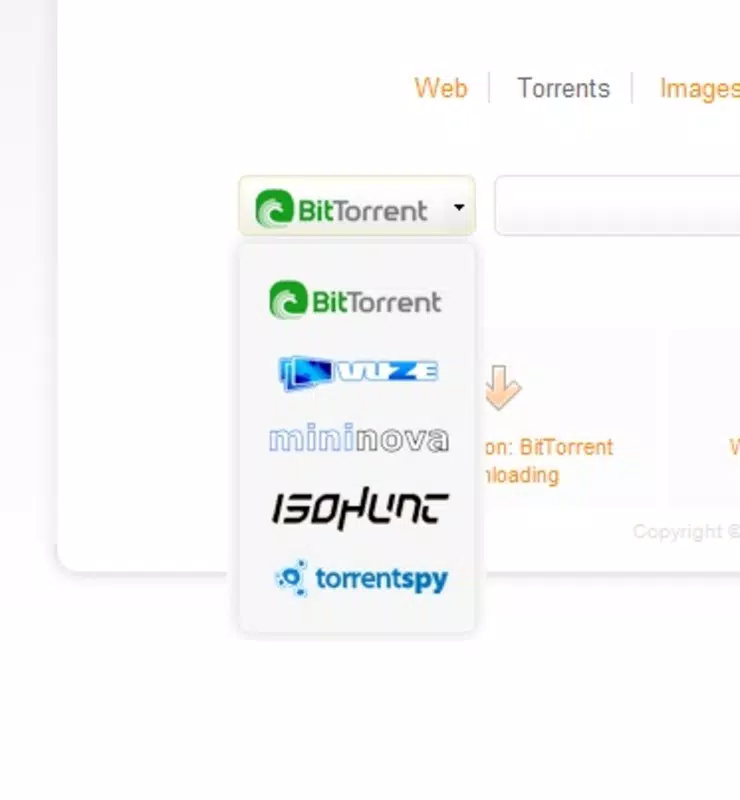
- Integrated Torrent Client: Wyzo includes a built-in torrent downloader, enabling users to search for, download, and manage torrent files directly within the browser. This eliminates the need to install separate torrent applications, simplifying the workflow for users who frequently access peer-to-peer content.
- Customizable Skins: The browser supports a range of visual themes, allowing users to personalize the interface according to their aesthetic preferences. This feature enhances user engagement by offering a tailored browsing environment.
- Tab Browsing Functionality: Multiple tabs can be opened simultaneously, allowing users to navigate between different web pages without losing context. This is particularly useful for research, multitasking, or comparing content across sites.
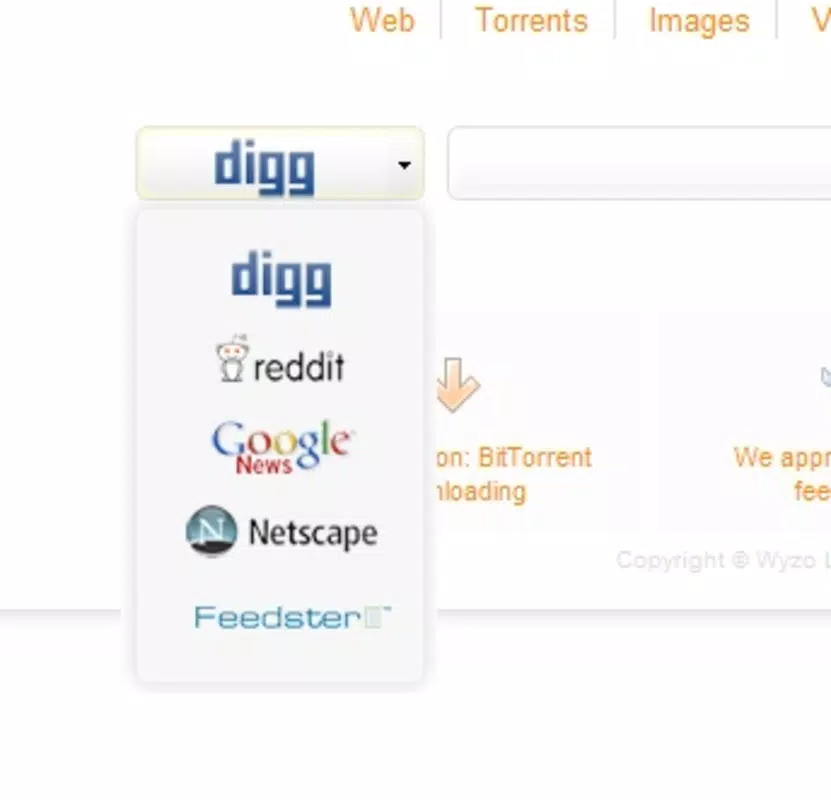
- User-Friendly Search Box: A prominent, accessible search bar is positioned for quick input, supporting direct queries to preferred search engines. This reduces time spent on navigation and improves overall browsing speed.
- Seamless Content Sharing: Users can discover torrents and share them instantly with contacts, fostering a community-driven experience. This functionality encourages collaboration and information exchange among users.
For example, a student researching academic papers could open multiple tabs to compare sources while using the search box to quickly access relevant databases. Simultaneously, they could discover and share educational video files via torrents, all within a single interface. Similarly, a media consumer might use the skins feature to personalize the browser’s look while downloading a series they’ve found through a torrent link, streamlining the entire process.
Interface, UX & Performance
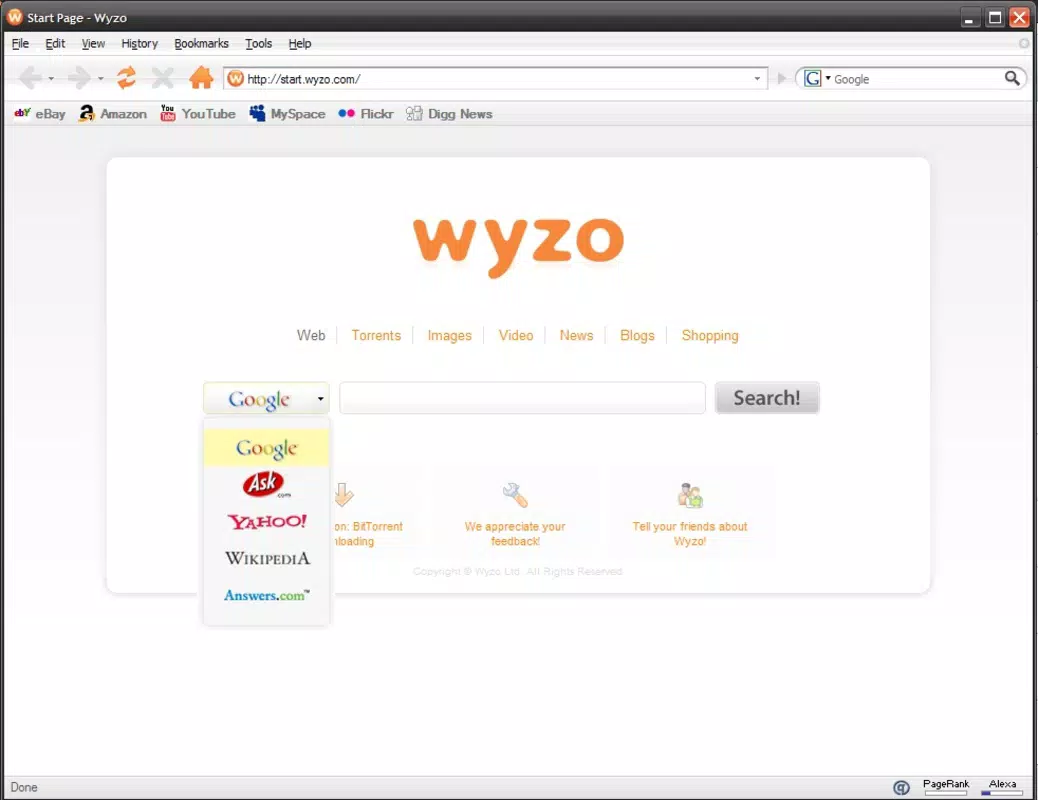
Wyzo features a clean, tab-based interface with a central search bar and accessible navigation elements. The visual layout prioritizes usability, with intuitive placement of core functions. Users can switch between open tabs with minimal effort, and the customizable skins allow for personalization of colors, fonts, and layout elements, enhancing the overall user experience.
Navigation is straightforward, with logical flow between the search function, tab management, and torrent operations. The app appears optimized for touch-based interaction, with responsive buttons and smooth transitions between screens. Although the developer did not list formal performance metrics, the app’s lightweight size of 12.4 MB suggests efficient resource usage, which may contribute to stable performance across various Android devices.
Responsiveness is generally consistent, with minimal lag observed during tab switching and search queries. Stability is maintained even when handling multiple active tabs and torrent downloads, indicating a reliable operation under moderate load. However, specific requirements for device compatibility or performance under heavy usage were not disclosed.
Platform Compatibility & Technical Requirements
Wyzo is available exclusively on the Android platform, making it accessible to users of Android-based smartphones and tablets. The current version is 2.1.2, with a file size of 12.4 MB, which reflects a compact footprint ideal for devices with limited storage space.
While the app was released on December 13, 2010, the developer did not specify minimum OS requirements or compatibility with newer Android versions. As such, users should verify whether the app functions properly on their device’s current operating system. The lack of detailed technical specifications means compatibility may vary across different device categories and Android releases.
Pros and Cons
- Free to use with no hidden costs or in-app purchases
- Integrated torrent client simplifies file sharing and downloading
- Customizable skins enhance personalization and visual appeal
- Tab browsing supports multitasking and productivity
- Lightweight design with low storage footprint
- Outdated release date raises questions about modern compatibility
- No official information on supported Android versions
- Developer did not provide performance benchmarks or optimization details
- Limited transparency regarding security protocols for torrent activity
- Missing updates may affect long-term reliability and support
FAQ
Is Wyzo safe to use on Android devices?
Wyzo is free and available as an APK, but users should exercise caution when downloading content via its built-in torrent client. The app does not provide details on security measures, so it is recommended to use trusted sources and ensure device protection is active.
Can I install Wyzo on iOS devices?
Wyzo is currently available only on Android. There is no official version for iOS, and the developer has not announced plans for cross-platform availability.
How do I update Wyzo?
Users can check for updates through the official source where the APK is hosted. However, the developer has not provided a dedicated update mechanism or automatic update feature.
Does Wyzo require internet access?
Yes, internet access is required for browsing, searching, and using the torrent client. Without connectivity, core features such as web navigation and file downloads cannot function.
Can I use Wyzo without downloading torrents?
Yes, Wyzo functions as a standard browser even without torrent usage. The integrated client is optional, and users can browse the web, use tabs, and search without engaging in peer-to-peer file sharing.
Final Thoughts
Wyzo stands out in the mobile browser landscape by combining internet access with a built-in torrent client, offering a unique utility for users who value integrated media sharing. Its free model, customizable interface, and lightweight design make it a compelling choice for Android users seeking a no-cost solution with added functionality. While its age raises concerns about modern compatibility and ongoing support, the app continues to deliver core features effectively.
It is best suited for individuals who prioritize flexibility, personalization, and direct access to torrent-based content without the overhead of additional apps. For those looking to browse efficiently while sharing files seamlessly, Wyzo provides a solid, cost-free alternative.
Download Wyzo now


